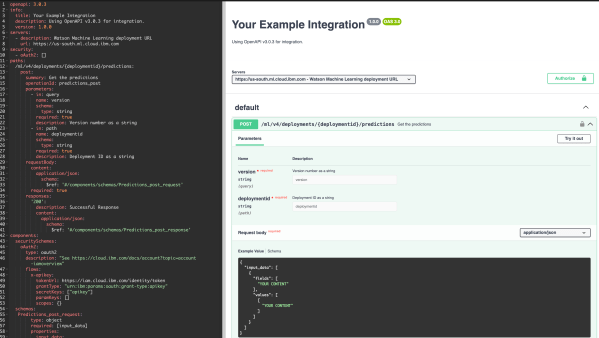
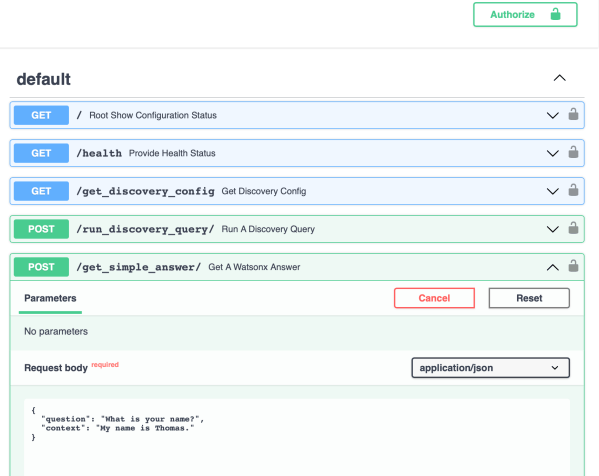
This blog post contains information about a simple example implementation for a simple question-answering pipeline using an inside-search (IBM Cloud Watson Discovery) and a prompt (IBM Watsonx with prompt-lab) to create an answer.
Reset your last GitHub commit
This blog post is a short cheat sheet. Sometimes you need to cancel your last GitHub commit before you push your changes to GitHub.
How to get the Egress IPs for an IBM Cloud Code Engine Project
This blog post is just a short cheat sheet on how to get the Egress IPs for an IBM Cloud Code Engine Project.
Observe a running pod on IBM Cloud Code Engine with kubectl commands
In IBM Cloud Code Engine you also can use kubectl commands to get information about your running application in addition to the IBM Cloud Code Engine CLI.
Build and push a container image to IBM Cloud Container Registry using bash automation
This extract is from a bash automation script in the question-answering GitHub project. The bash script automates the deployment to IBM Cloud Code Engine. The extraction is about the building and pushing a container to the IBM Cloud Container Registry.
How to set up Caikit and use Hugging Face models examples
This small blog post is about how to set up a demo environment for using Caikit and Hugging Face models on your local machine.
How to set up a virtual environment for Python
This blog post is a small cheat sheet on setting up a virtual environment for Python venv.
Standard config files to save PATH settings for shell scripting
These are the standard config files that save PATH settings for shell scripting. There is an appropriate Stackoverflow entry: What's the difference between .bashrc, .bash_profile, and .environment?
A custom Reranker deployment on Kubernetes
The objective of this project is to deploy the Reranker to a Kubernetes cluster in a VPC on IBM Cloud and access the REST API of the Reranker. The Reranker is a component of PrimeQA.
Example of how to connect and use Elasticsearch on IBM Cloud Databases using bash automation and CURL commands
This blog post is a short example of connecting to Elasticsearch on IBM Cloud with Databases for Elasticsearch using bash scripting with cURL.