
I work for IBM, as many of you know. Privately, I also experiment with other AI tools such as Cursor (free version) and GitHub Copilot (free version).
Recently, I noticed increasing attention around the OpenAI Codex model in VS Code. I saw discussions on YouTube and in various developer communities.
So I decided to test it myself.
In this post, I generate an open-source repository for preprocessing PDF, Word, Excel, and PowerPoint documents using ChatGPT online and the OpenAI Codex model in VS Code.
To keep the implementation flexible, I used Docling.
There is a lot of progress in this area, and it will change how developers work.
Note: I conducted this experiment on Sunday, 22.02.2026. It took approximately three hours to generate the final working application without additional documentation. The application was verified by executing it against the generated example documents.
The full working code is available on GitHub:
https://github.com/thomassuedbroecker/docling_preprocessor_factory_public
Table of contents
- The blog post objective
- Repository objective
- Working code generated with AI
- Limited scope for this generation
- How I started
- Mixed AI environment
- Iteration and execution
- Lessons learned
- Summary
1. The blog post objective
I wanted to use OpenAI Codex and publish the generated project as open source.
Under OpenAI’s current terms, you own the output generated by ChatGPT (including code), provided you comply with the Terms of Use: https://openai.com/policies/terms-of-use
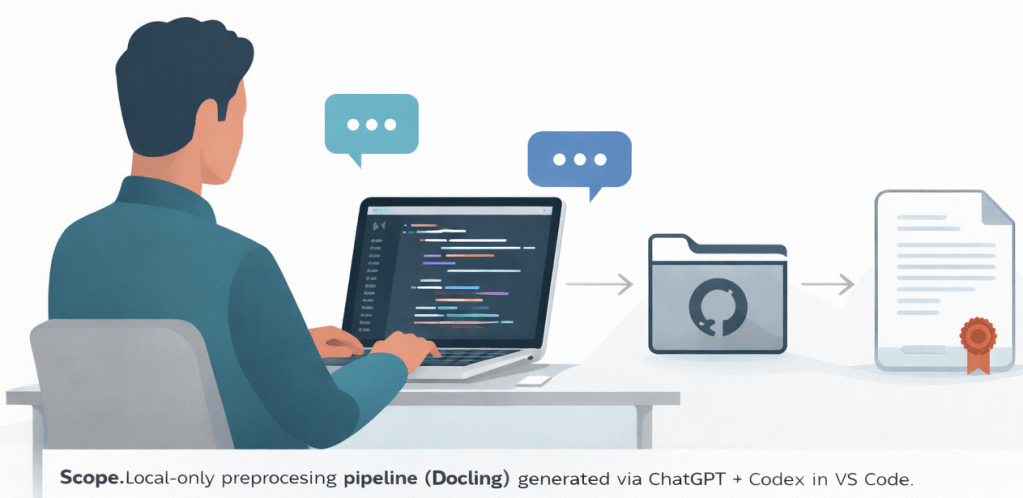
My main goal was to test the Codex model with my personal ChatGPT license inside VS Code.
I noticed a lot of attention around Codex recently, so I wanted to validate it with a controlled, practical experiment.
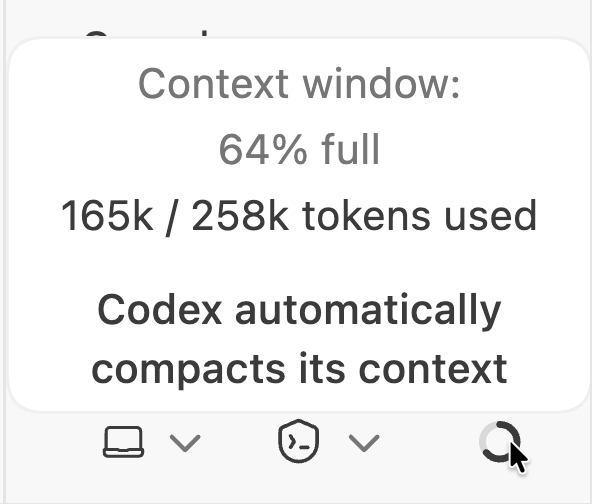
The context window for the project.
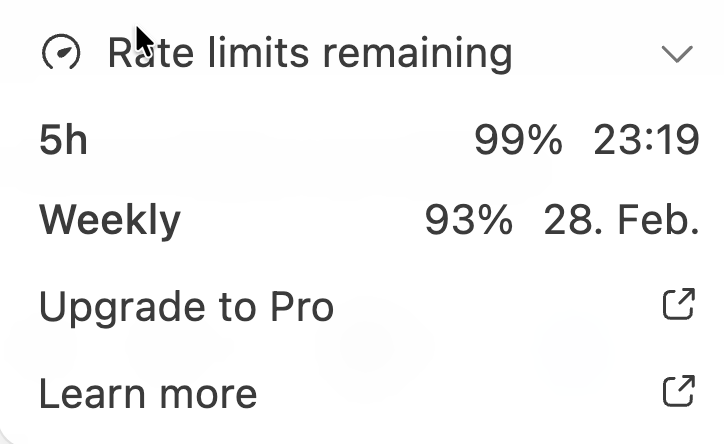
These are my current usage limits.
2. Repository objective
The repository generated during this experiment is called:
Docling Preprocessor Factory
It is an open-source project that provides a reusable, class-based preprocessing pipeline to extract structured, unit-level text from common document formats (PDF, Word, Excel, PowerPoint) using Docling.
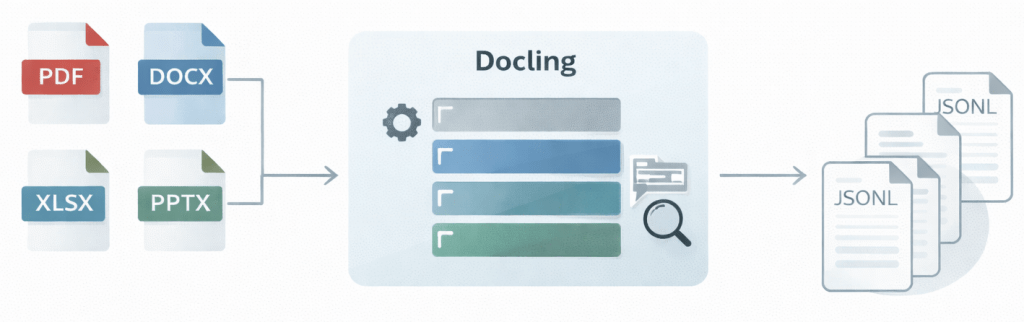
The pipeline:
– Automatically detects and handles multiple formats (PDF, DOCX, XLSX, PPTX, etc.)
– Extracts content unit-wise (pages, slides, sheets, documents) to prepare for chunking
– Includes OCR support for images and scanned documents (best effort per format)
– Uses a class-based architecture for clear separation of concerns
– Produces JSONL output suitable for RAG and embedding workflows
The pipeline runs locally on macOS, uses open-source dependencies only, and relies on environment variables for runtime configuration.
3. Working code generated with AI
The image below shows the execution result for the example documents.
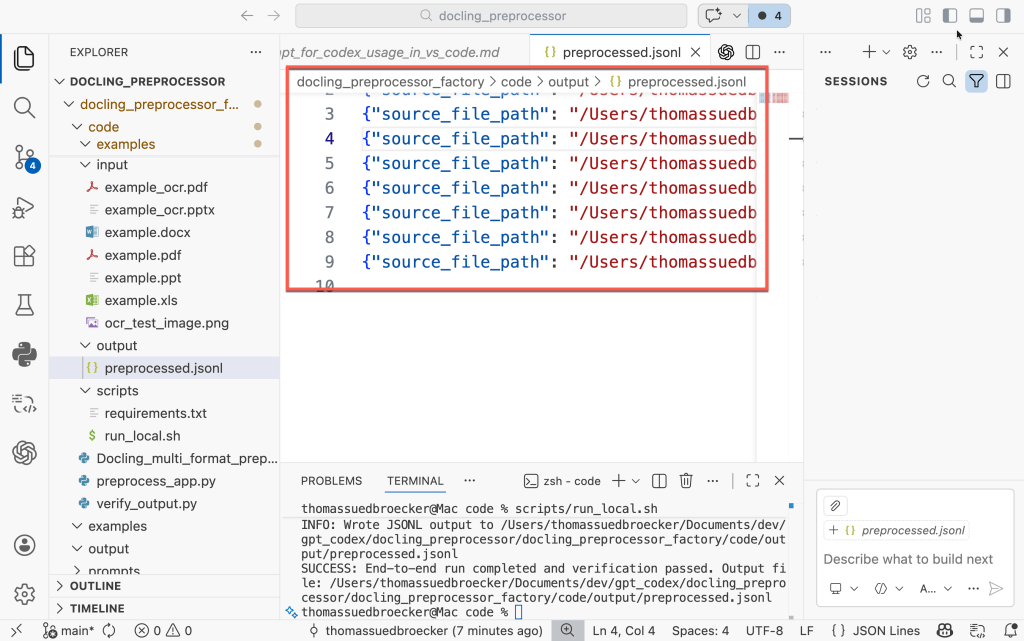
The full working code is available on GitHub:
https://github.com/thomassuedbroecker/docling_preprocessor_factory_public
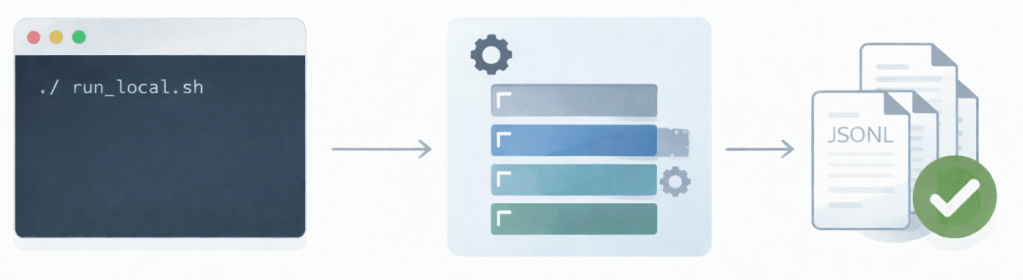
The execution is triggered by running a single Bash script:
bash run_local.sh
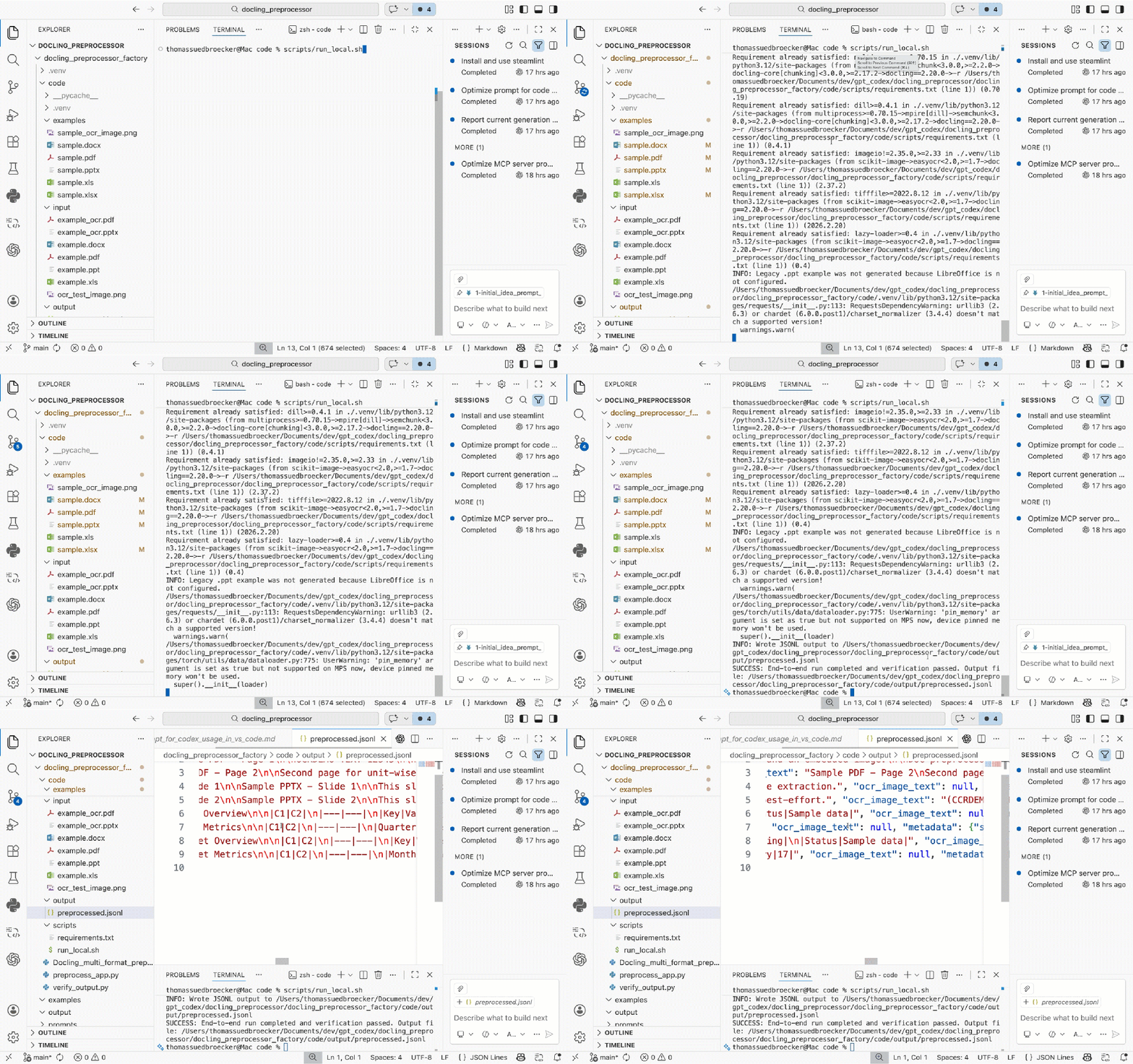
The script performs the following steps:
– Creates a local Python 3.12 virtual environment
– Installs all required open-source dependencies
– Processes the example files from the input directory
– Writes structured JSONL output to the output directory
– Verifies that the expected output files were generated
If the verification fails, the script exits with a non-zero status code.
4. Limited scope for this generation
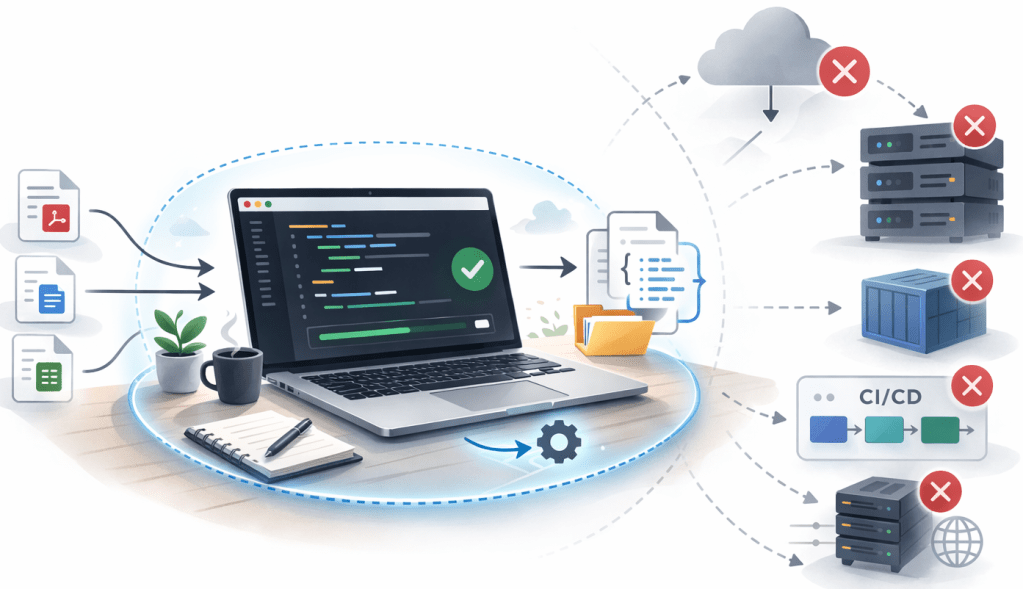
The generated project is intentionally limited. It is designed for local execution on macOS only.
It does not include:
- Automated tests
- Containerization
- Automated tests
- CI/CD integration
- A production deployment plan
- Cloud integration
The goal of this experiment was not to build a production-ready system. My goal was to validate whether Codex can generate a working, verifiable open-source project under not too strict engineering constraints. This was a controlled experiment — not a full software lifecycle implementation.
5. How I started
With a ChatGPT subsciption, you can also use Codex inside VSCode by installing the OpenAI extension.
The image below shows the configuration for the Codex usage.
- Select model
- Select context
- Reasoning level

The integration works well and allows direct interaction with the model from within the editor.
I created a private GitHub repository to store the generated code and the prompts used during the experiment. I saved all prompts — both for ChatGPT online and for Codex in VS Code. I will not publish every prompt interaction in this blog post or in the repository.
To optimize token usage, I used ChatGPT online for generating the initial structure and example files. The refinement and iteration process then happened mainly inside VS Code using Codex.
6. Mixed AI environment
In the same VS Code instance, I also had other AI tools installed:
- watsonx Code Assistant (working with Ollama locally) (free version)
- GitHub Copilot (free version)
- Cursor (free version) instance -> integrate watsonx Code Assistant and GitHub Copilot using plugins
All of them had access to the same repository.
However, for this experiment, I did not use them.
The goal was to focus exclusively on OpenAI Codex and evaluate its behavior under strict engineering constraints.
This helped to isolate the experiment and avoid cross-tool influence.
7. Iteration and execution
The first generated version did not work.
The code structure looked correct, but execution failed.
The quickstart documentation was incomplete.
The required Python version was not explicitly enforced.
Some environment assumptions were implicit.
This was the first important lesson:
Generating code is not enough.
The execution environment must be part of the prompt.
I refined the prompt and explicitly enforced:
- Python 3.12
- No hardcoded paths
- Environment variables for configuration
- Open-source dependencies only
- Local execution on macOS
- Output verification as part of the script
After several iterations inside VS Code using Codex, the generated project became executable and verifiable.
8. Lessons learned
This experiment showed me several important things.
Codex performs significantly better when constraints are strict.
If the prompt is vague, the result is vague.
If the environment is not explicitly defined, execution will fail.
Key observations:
- Verification must be explicitly required.
- Documentation and execution often diverge.
- The first generated version will rarely work without refinement
- Iteration is not optional — it is required.The quality improved only after I enforced: – Python 3.12
- Explicit environment handling
- Clear installation steps
- Output verification logicWithout these constraints, the project would not have been reproducible.
The quality improved only after I enforced:
- Python 3.12
- Explicit environment handling
- Clear installation steps
- Output verification logic
Without these constraints, the project would not have been reproducible.
9. Summary
This experiment validated that it is possible to generate a working, structured open-source project using ChatGPT and Codex inside VS Code.
However, the first generated version did not work. Only after enforcing strict constraints and explicitly defining the runtime environment did the project become reproducible.
The quality improved only after I enforced:
- Constraints improve quality.
- Verification improves stability.
- Iteration improves reliability.
Without these constraints, the project would not have been reproducible.
The key takeaway: AI development works best when engineering discipline is applied.
I hope this was useful to you and let’s see what’s next?
Greetings,
Thomas
Note: This post reflects my own ideas and experience; AI was used only as a writing and thinking aid to help structure and clarify the arguments, not to define them.
#AI, #GenAI, #Codex, #ChatGPT, #PromptEngineering, #AIEngineering, #Automation, #Python, #Bash, #Docling, #OpenSource, #DeveloperExperience, #Reproducibility, #VSCode
 Thomas Suedbroecker's Blog
Leave a comment