

A while ago, I shared my first journey in the post
“IBM Granite for Code models are available on Hugging Face and ready to be used locally with watsonx Code Assistant.” In this post I want to share my latest experience: Updating my setup to use the new Granite 4 models in Ollama — fully integrated into VS Code with watsonx Code Assistant.
Step 1: Inspect available Granite models in Ollama
I always start by checking what’s available:
https://ollama.com/library/granite4
Exploring the model list helps me understand what to expect in terms of size, performance, and which variants might work well for watsonx Code Assistant.
Step 2: (Optional) Uninstall Ollama brew version, if needed
This step isn’t necessary for everyone, but I had an older Homebrew version installed. So wanted to clean the installation and not depend Homebrew versions for Ollama.
brew list | grep ollama
brew uninstall ollama
brew install pkgconf
brew link pkgconf
brew upgrade pkgconf
Step 3: Install Ollama
Install Ollama for MacOS using this link https://ollama.com/download
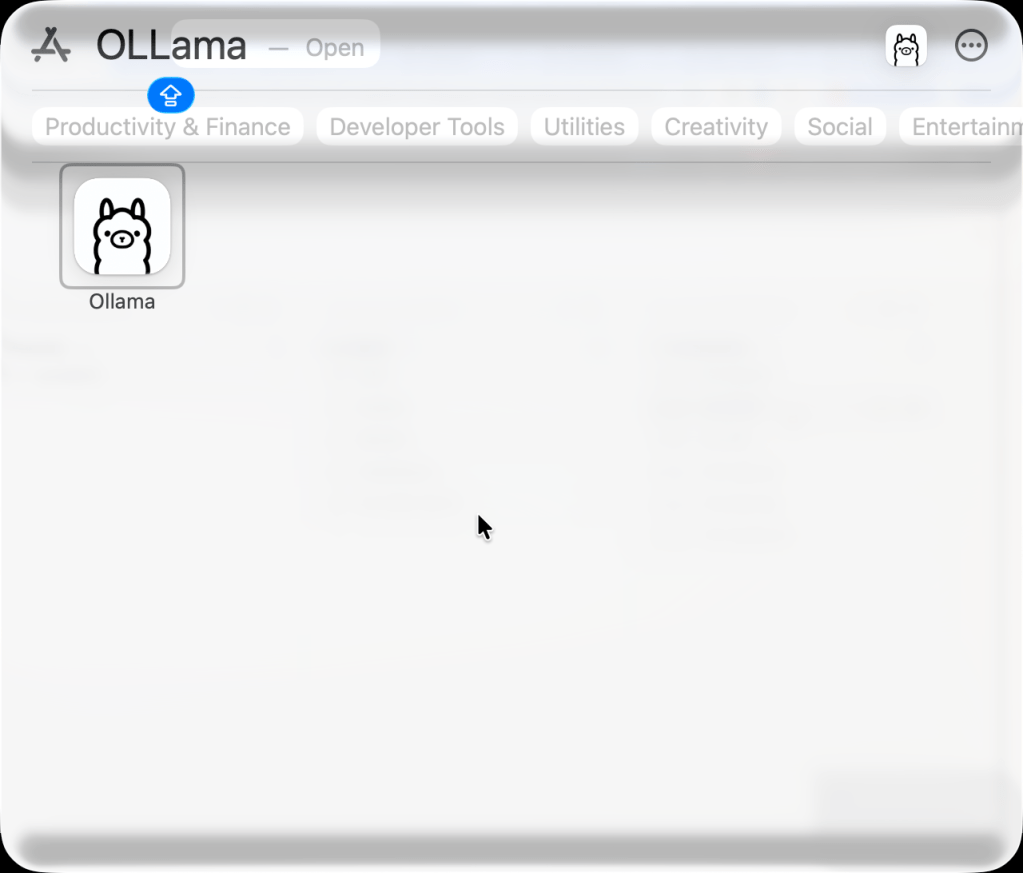
Step 4: Start Ollama
Step 5: Remove older Granite models (optional)
To avoid confusion, I removed my older Granite code models:
ollama list
ollama rm granite-code:8b
ollama rm granite-code:20b
This made space for the new Granite 4 variants.
Step 6: Pull the granite models
This is the exciting part—pulling the actual models I wanted to test:
ollama pull granite4:tiny-h
ollama pull granite4:350m-h
Step 7: Configure models inside VS Code
Inside the watsonx Code Assistant settings, I pointed both the chat model and code generation model to the Granite versions I just downloaded. (Code->Preferences->Settings)
Wca › Local: Chat Model (Applies to all profiles)
Wca › Local: Code Gen Model (Applies to all profiles)

Once set, VS Code knows exactly which local models to use.
Step 8: Serve the model
Sometimes restarting Ollama is necessary:
killall Ollama
ollama serve
Step 9: Verify that the model is running
In a new terminal:
ollama list
It’s always a good feeling to finally see the correct models listed and ready.
Step 10: Use it inside VSCode
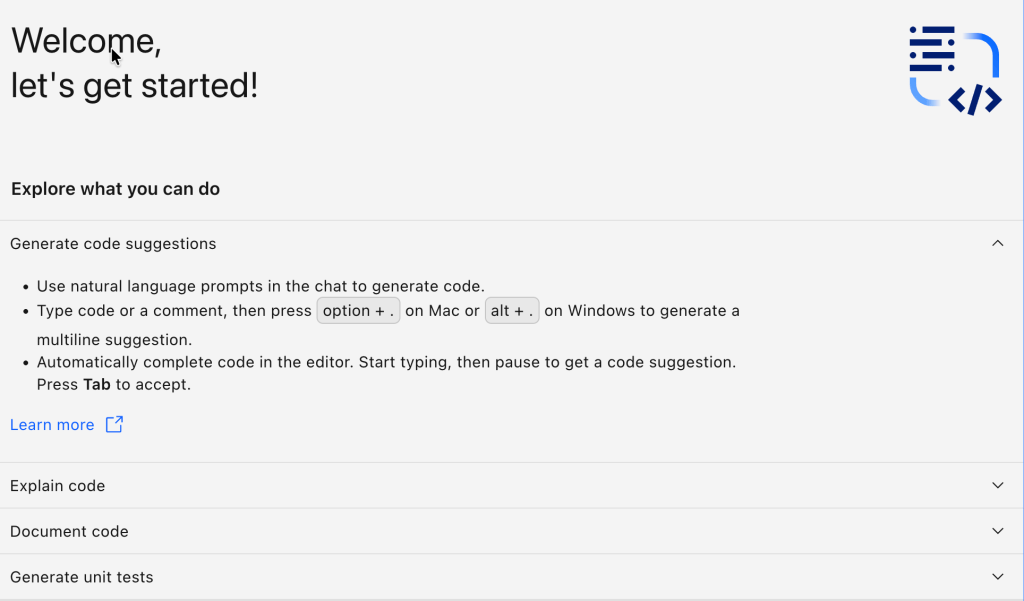
After all the preparation, I finally tested it — using explain features, generating unit tests, and interacting with the models through watsonx Code Assistant.
- Using explain

- Unit Test

Short summary
Updating watsonx Code Assistant to use Granite 4 models in Ollama was straightforward and enjoyable.
The combination delivers a smooth local AI development experience — efficient, private, and flexible. This post wasn’t about following a strict manual. It was about exploring, cleaning up old setups, trying out new models, and learning along the way. And that’s exactly why I wanted to share it.
References
- IBM Granite for Code models on Hugging Face
- Granite 4 model list on Ollama
- watsonx Code Assistant for VS Code
- Ollama official download
I hope this was useful to you and let’s see what’s next?
Greetings,
Thomas
#AI #watsonx #Granite4 #Ollama #VSCode #IBMGranite #LocalAI #AIEngineering #CodeAssistant #DeveloperTools #AIModels #HuggingFace #MacOSDevelopment #SoftwareEngineering #AIProductivity
 Thomas Suedbroecker's Blog
Leave a comment